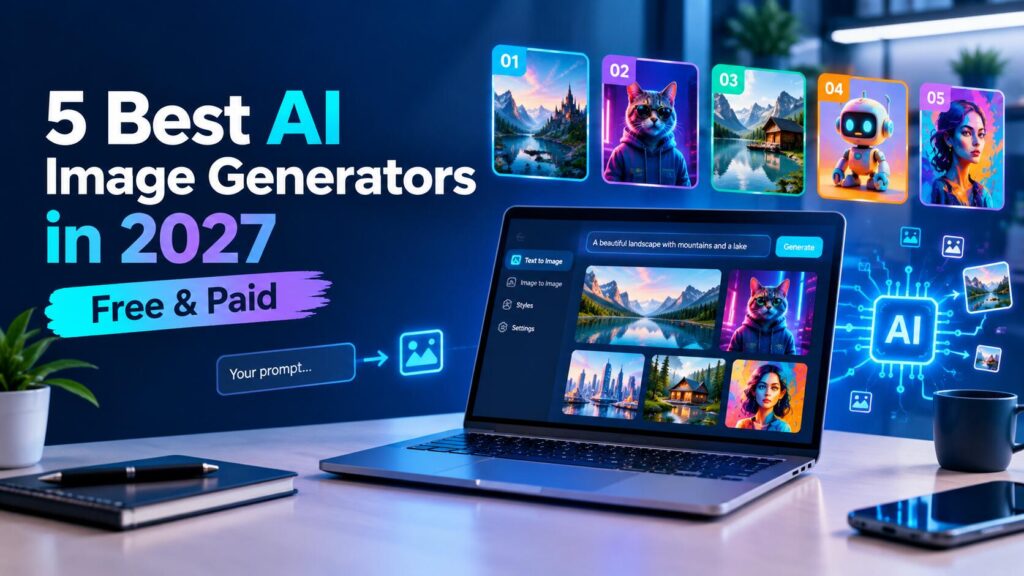
AI image creation has come a long way between 2024 and 2027. Text rendering was a stumbling block in AI image generation, but now you get much crisper text and design details. Edits are better as well, so you can often fix a generated image rather than start from scratch.Free AI image generators are now capable of generating images that were once exclusive to paid versions. But there's more to choosing an image generator than its quality. Commercial licenses, editing capabilities, workflow integrations, and text generators all play a part.In this guide, you'll find a comparison of five AI image generators, ranging from free tools to professional options. Learn what each one excels at, how much it costs, and its possible limitations.
Quick Comparison: 5 Best AI Image Generators (2027)
The 5 Best AI Image Generators in 2027
1. Midjourney v7 - Most artistic in style
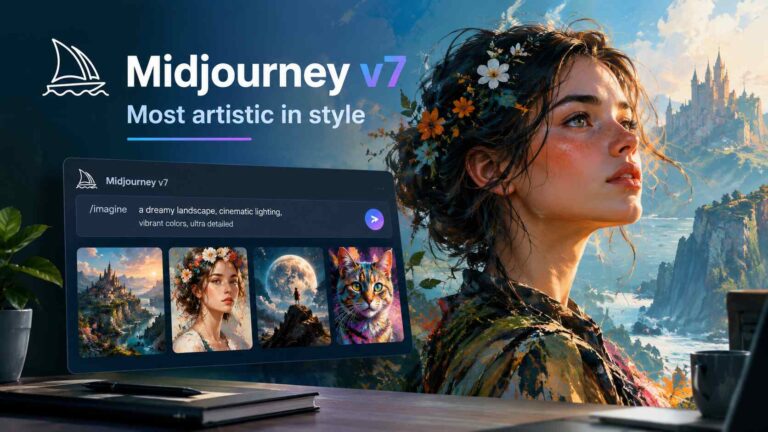
If the primary concern for you is style, and you are looking for the visual impact on humans, then Midjourney is a good choice. The images it creates tend to appear very refined and deliberate.Midjourney Version 7 also offers plenty of photorealism while maintaining the aesthetic style of the platform. This means that designers and content creators can generate detailed images in a matter of minutes.The workflow does have a bit of a learning curve. For beginners, you have the option to use Midjourney on its service website or Discord and may be experimenting with inputs at first to get a result that is working. Once you've ironed out the bugs, it is much easier.
What does Midjourney cost?
Is there a free plan for Midjourney? There is no free plan for Midjourney. Paid plans start at $10 a month, with premium plans getting more usage and features.For designers, marketers, and producers who value quality images, a subscription could be a good option. Be sure to review Midjourney's pricing and privacy policy before selecting a plan, as the type of images available will differ between plans.
Try Midjourney →
2. GPT Image 2 (ChatGPT) — best overall quality and text rendering
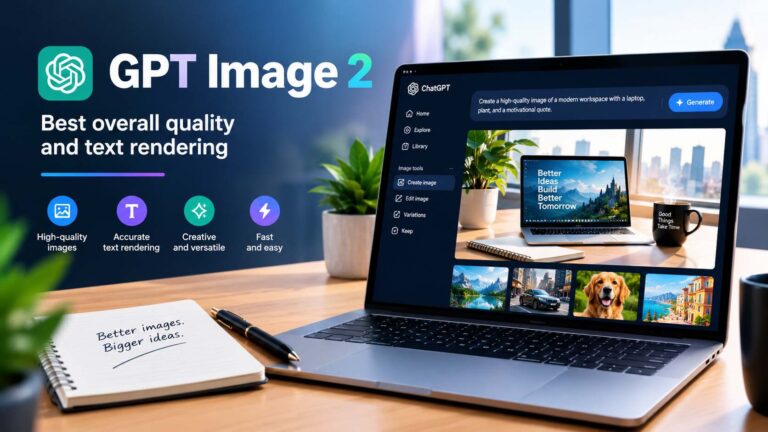
GPT Image 2: A good all-purpose choice if you require readable text in an image (for example: posters, social media images, signage, thumbnails, etc.).The new editing workflow is another plus. Instead of making an entirely new prompt, you can go to ChatGPT and ask it to change just part of the picture.For example, "You could request a darker background, a different layout, or whatever else is new that we've added in terms of the visuals." Editing images made with a conversational approach is simple even for a beginner.All within ChatGPT, bloggers can even whip up Featured Images and Social Graphics.
What does GPT Image 2 cost?
ChatGPT provides limited image generation on its free plan. ChatGPT Plus costs $20 per month and provides higher usage limits along with access to additional features.However, free and paid access can have different usage and commercial terms. Therefore, check OpenAI's current policy before using generated images for commercial projects.For everyday blog graphics and images containing text, GPT Image 2 is one of the easiest options to use.
3. Adobe Firefly — best for commercially safe output
Here's why it's special: Adobe Firefly is being trained to generate commercially usable content. Adobe says it trained Firefly with licensed content, content that is openly licensed, and content that is in the public domain.This emphasis may appeal to companies, marketers, and designers who have issues with the sourcing of AI-generated images.Image quality is another positive. While Midjourney could have a higher artistic ceiling, Firefly performs admirably for commercial graphics, website images, product pictures, and other commercial work.Adobe's richer Creative Cloud workflow. You can use AI features such as extend to canvas, delete objects, or add objects when you work within Adobe products such as Photoshop.
Firefly free tier and pricing
The free plan gives a small monthly number of credits. The paid plans offer more credits and unlock other Adobe features.The rights to commercial use may be different, and other usage conditions may differ, so please check Adobe's conditions to confirm before using Firefly for work.Firefly is a great addition for professional designers and agencies, as it adds value to those existing tools with the ability to generate content in conjunction with all the great functionality within those existing tools from Adobe.
4. Canva AI — best for bloggers and non-designers
Canva AI: If you want to create the image and stay on the same site, this is a good solution. Just tell it what kind of image you want, generate it, and use it in a blog post, social media image, or presentation.That's time well saved for bloggers. Come up with a featured image, resize it for Facebook, Twitter, and Pinterest, add a headline, then export the final image - all without launching Photoshop.You're also not required to have any design experience. Canva simplifies the process and is an excellent place to start if you're just learning.
Is Canva AI free?
Yes, Canva offers AI image generation with limits on its free plan. You can also use Canva's other free design features without paying for a subscription.Canva Pro costs $15 per month and provides higher AI limits, premium templates, stock assets, and additional brand features.For simple blog graphics, the free plan may be enough. However, Midjourney and GPT Image 2 can deliver stronger results when maximum image quality is your priority.
Try Canva for Free --->
5. Google Gemini - Most free high-quality in chat interface
Google Gemini provides you with an image-generating chatbot capability. Simply describe what you'd like to see, then review the generated image and have a chat about it.The results are comparable to most paid tools. One notable exception is that Gemini can generate photorealistic images, complex scenes, and detailed prompts.If you're someone who is already working within the Google ecosystem, then that makes it a good option for you as well. This way, you can generate the image without even leaving Google's AI image platform.
Is Gemini free for image generation?
Can I use Gemini image generation for free? Yes, Gemini image generation is free to use but is rate-limited. Paid Google AI plans have higher limits. Separating a consumer Gemini app from Google's API consumption is vital. Depending on the usage, API costs and restrictions may be different, so check Google's rules for a commercial workflow before selecting Gemini.
The main limitation
Google uses SynthID for AI-generated images. The Gemini app may also display a "Made with AI" label.For bloggers and social media creators, this may not be a major concern. However, designers who need completely clean output should check the current requirements before choosing Gemini.
Free vs Paid: What the Money Actually Buys You
Free AI image generators have gotten a lot better in 2027. For most images, you can generate a helpful blog image without subscribing.But free plans do come with restrictions. You might experience a limit on how many you can generate, a reduction in resolution or speed, or a limit on your resolution. There are licensing requirements to consider if you're doing commercial work.For bloggers who primarily require featured images and social graphics, Canva AI could suffice. Meanwhile, designers and agencies may look toward Adobe Firefly or Midjourney.For a good mix of simplicity and impressive image quality, GPT Image 2 via ChatGPT is an excellent option. But we know that the best pick is all relative to how frequently you generate images and what you want to do with them.